
Spell Cub
Ages 6 to 11 · grades 1 to 5 · Any phone or computer · free
This week’s spelling list, out loud, ready by test day.
One parent or teacher pastes the class’s words and shares one link in the class chat. Every child taps it and starts: the cub says each word in a sentence, your child spells it from memory, and a miss is fixed on the spot.
No list from school? Use ours.
A new list every Monday, in the order schools teach. Pick a grade:
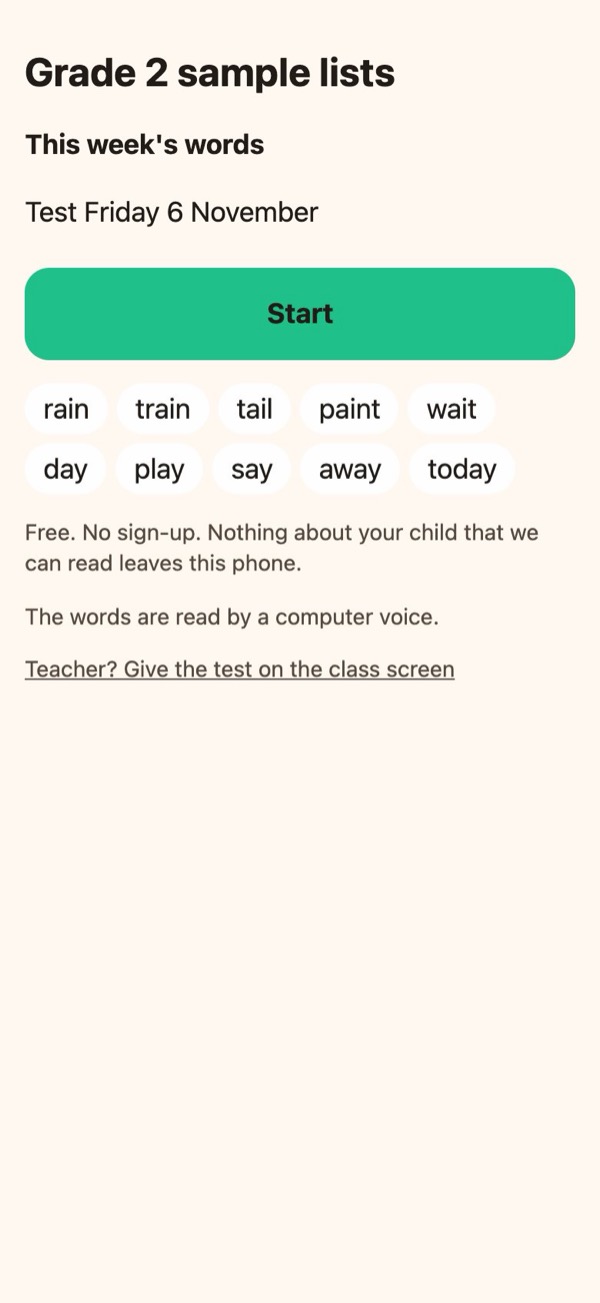
Have your school’s list? Paste it →Try a grade 2 sample first →
Free for every child, for good. No sign-up, no ads, nothing to install. Grades 1 to 5, in American or Canadian spelling.
How it works
One grown-up types the list. The whole class practises it.
01
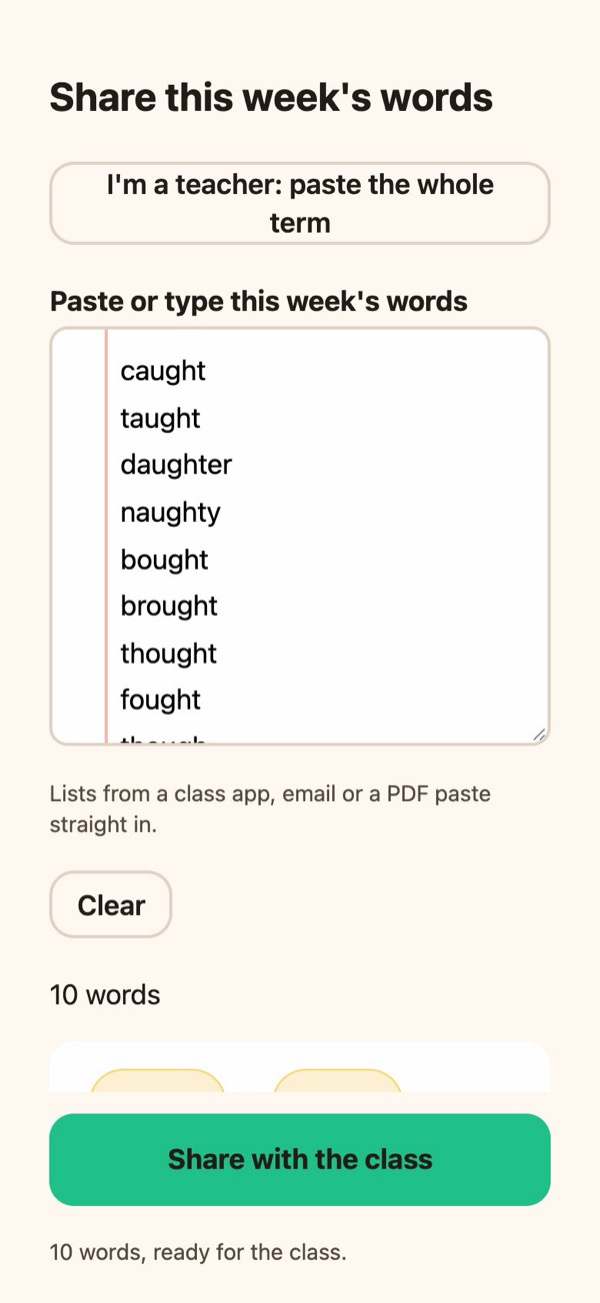
Paste the list
From the class app, an email or a PDF. Spell Cub tidies it, flags a typo before it reaches thirty children, and works out the grade and test day.
02
Share one link
Post it once in WhatsApp, ClassDojo, Remind or the class email. The preview names the list, not an app, so parents know what it is.
03
Every child practises
One tap from the chat to the first word, on any phone, tablet or computer. Progress is saved on that device, and the class link is the same all term.
What your child does
The practice that research says works, in five minutes a day.
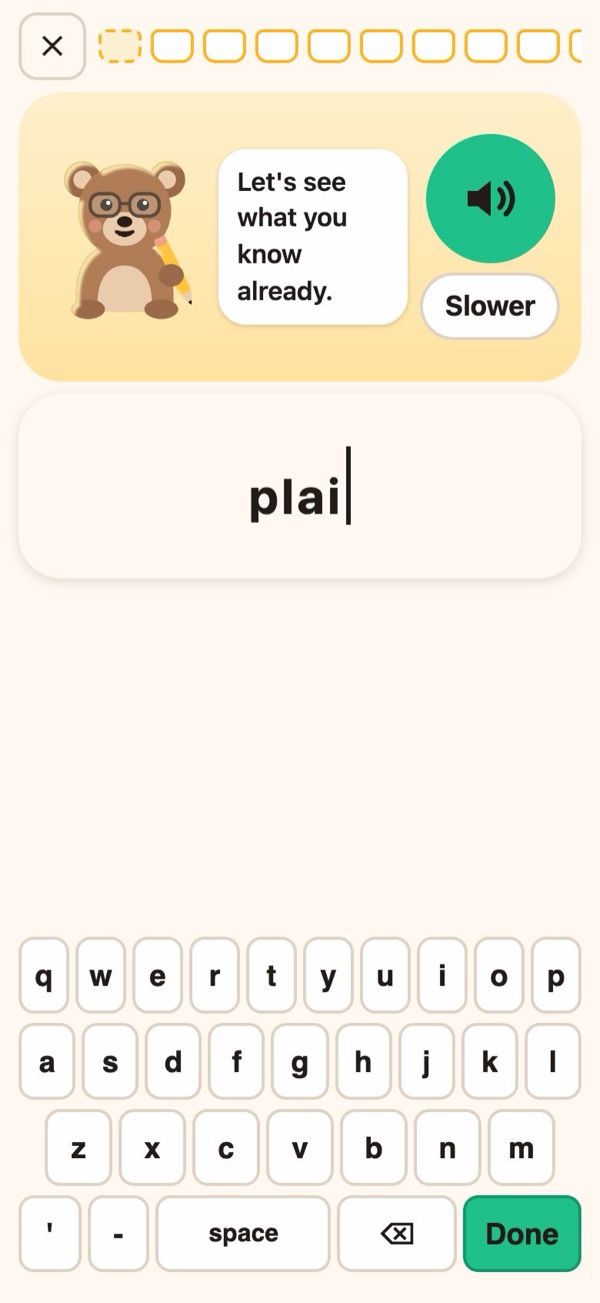
Hear it, in a sentence
The way a teacher gives the test: the word, a sentence that uses it, the word again. “Slower” is one tap away.
Why: The sentence is what tells there from their.
Spell it from memory
On Spell Cub’s own keyboard, with no autocorrect and no suggestions. The youngest start with letter bees to choose from; the help fades to the keyboard as a word is learned.
Why: Writing a word from memory beat copying it in every experiment of a 2016 classroom study with second graders.
Fix it on the spot
A miss shows exactly which letters were different, and the child spells it again, right, before moving on. A right answer is never marked wrong.
Why: Children rarely catch their own spelling mistakes; correcting straight after each word is what helps.
A little each day
Monday is a quick check, so known words get light review and the practice goes on the rest. New words are spread over the days left, and the last session before the test is a rehearsal with no help.
Why: Spaced practice beat the same practice crammed, 70% to 53%, for third graders’ spelling and maths facts.
How to help with the weekly spelling test: the research, with sources →
Planned around test day
Not a Thursday-night cram.
Spell Cub knows the class’s test day, so it plans the week. Children won’t spread practice out on their own, so the end of each session does it for them: today’s practice is done, come back tomorrow. After the test, the words drop into normal spaced review.
Mon
The check
What do they know already?
Tue
New words
A few at a time.
Wed
Review
Yesterday’s misses come back.
Thu
Rehearsal
The whole list, no help.
Fri
Test day
Ready.
A Friday test, as an example. Any day works, and so does no test day at all.
No list from school?
Free spelling lists for grades 1 to 5.
Lists by spelling pattern, in the order most phonics programmes teach them, written by us. Each grade has a sample class to try now, and every list shares to your class in one tap.
- Grade 130 weeks: Short a and short i, Short o and short u, Short e…
- Grade 230 weeks: Short vowels in longer words, Silent e in longer words, Open and closed syllables…
- Grade 330 weeks: -ar and -or that say er, eigh, ei and ey, ue, ou and other long u…
- Grade 430 weeks: -ation, -sion after d and de, -ssion…
- Grade 530 weeks: -cious and -tious, ie and ei, -ance and -ence…
For teachers
Five minutes on Monday, and the class has its words.
The whole term in one paste
Paste every week’s list at once; each opens on its Monday, and the class link never changes.
Give the test on the class screen
Board mode: the cub reads each word, its sentence and the word again, then the class checks its own paper as each word drops into the comb.
A home sheet to print
The class code, a QR code and the term’s words, for families who’d rather have paper.
No student accounts
No logins, no rosters, no student data on our side. Nothing for a district to vet but lists written by adults.
The teacher kit: a message to post, the privacy sheet for your principal, and Board mode →
Privacy
Shared lists live on our server. Your child doesn’t.
What our server keeps
The lists grown-ups share: a class name, a grade, the test day and the words. If the class has counts on, anonymous totals like “12 children practised”, with no names and no IDs. No IP addresses are stored, anywhere.
What stays on the phone
Everything about your child: which words they know, their misses, how far they got. There is no account to make and nothing to log in to, for you or for them.
From the same cub
Spell Cub is free. Two more Cub Climb apps, for the same children.
Cub Climb: Gifted Test Prep
Ages 5 to 11 · kindergarten to grade 5 (UK Years 1–6)
Reasoning with words, numbers and pictures — the three kinds of thinking gifted and selective-school tests like the CogAT, the 11+ and the CCAT-7 look at.


Cub Climb Melody: Read Music
Ages 3 and up
Reading music, one note at a time: a note on the staff, its name, and its sound on your child’s own instrument.
Questions
About Spell Cub.
Is Spell Cub really free?
Yes, for every child, for good. There are no ads, no paywall, no premium words and no in-app purchases. A paywall would stop the one thing that makes it work: one parent sharing the list with the whole class. Cub Climb is paid for by its other apps.
Does my child need an account or an app?
No. The class link opens in the browser on any phone, tablet or computer, Android included, and goes straight to the first word. An iPhone and iPad app is coming; the same link will open it once it is out.
Our teacher doesn’t use Spell Cub. Can I still use it?
Yes. Any parent can paste the list from the school’s email or class app and share the link with the class chat. Most classes have one parent who does it each week, and it takes about a minute.
What grades and spellings does it cover?
Grades 1 to 5, ages 6 to 11. A class is American or Canadian: Canadian classes get colour, centre and zed, and the sentences match. British and Australian spelling are planned.
What if the list has a typo?
Spell Cub checks every word against its dictionary before the list is shared, and asks about anything it doesn’t recognise. A typo in a shared list would teach a whole class the wrong spelling.
Can the teacher see how my child did?
Not through us: we never have your child’s results to show anyone. If the class has counts on, our server keeps anonymous totals for the class, never a name. A way for you to send your own child’s results to the teacher, from your phone to theirs, is coming next.
Something else? Spell Cub help.
Got this week’s list?
Paste it, share the link, and the whole class is practising before dinner. Free, for every child.